On-site selective evidence collection
Zanbul Triage
Run from USB. Collect the evidence you need on site.
Demo and deployment enquiryZanbul Triage
Start with the evidence you need.
Select relevant artifacts without imaging the entire disk. Collect and parse evidence together, then continue the analysis in Forensic.
- Target PCRun from USBNo installation required01
Start on the target PC
Run Triage from USB on the PC you need to investigate. Begin on-site collection without installing the tool.
- Without full-disk imagingSelect relevant artifactsSelected artifacts02
Define the collection scope
Choose the artifacts relevant to the investigation. Collect selected evidence instead of imaging the entire disk.
- Collect and parse
Collected evidence and parsed results
03Collect and parse evidence
Parse evidence as it is collected. Continue the analysis of acquired evidence in Forensic.
Zanbul workflow
Continue your investigation in Forensic.
Collect evidence with Triage and Beacon, then analyze relevant records and prepare reports in Zanbul Forensic.
Explore Zanbul Forensic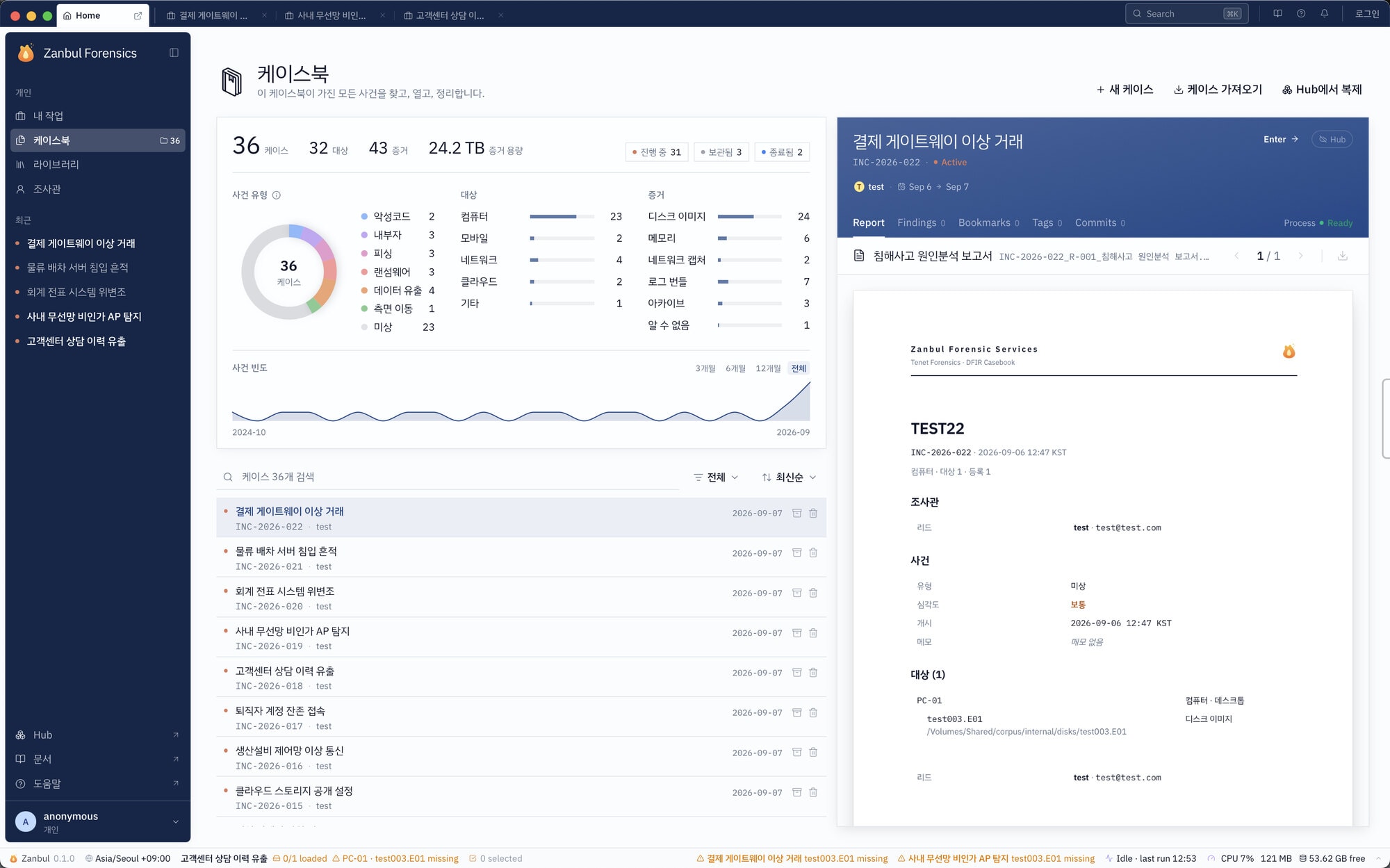
Contact
Discuss your collection environment.
Tell us about your investigation targets and on-site or network requirements. We will help arrange a demo and a suitable deployment.
Demo and deployment enquiry